Getting to Know Your WhatsApp Being Hacked

- Misrohatun Hasanah


If anything has changed, or any information is not recognized, the user must secure the account. Follow the steps in the next section on using two-step verification.

- Checking messages from WhatsApp
Search for messages by typing in the search bar at the top of the iPhone or using the magnifying glass on Android. Look for messages about 'account changes or access'.

- Check contacts
Review your contacts on WhatsApp by opening the app and tapping the Chat icon in the bottom right corner. Make sure no new unknown friends appear on the list.

- Check chat sessions
Enter the chat window and tap the vertical ellipsis menu icon (three vertical dots). Select 'Linked devices'. Review the 'Last active' list for unknown devices.
If you find an unknown device, tap on it and select Sign Out. Unlike other services, the above steps are the only way to view WhatsApp login activity.
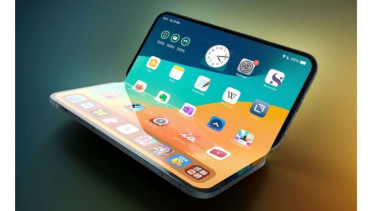
iPhone Ultra Diklaim Jadi iPhone Tertipis, Seberapa Tipis Dibanding Ponsel Lipat Lain?
iPhone Ultra dikabarkan menjadi iPhone tertipis Apple dengan ketebalan 4,5 mm saat dibuka. Simak perbandingannya dengan Galaxy Z Fold dan ponsel lipat lainnya.