How to Change Ringtone for WhatsApp, Here's to Know
Jumat, 24 November 2023 - 23:00 WIB

Sumber :
- Getty Images



Change WhatsApp Phone Call Ringtone

Sign in to the WhatsApp.
Tap the three-dot icon on the top right corner of the screen. Then, select the 'Settings' option.
Within the menu, select the 'Notifications' option.
Scroll down, find the 'Calls' option.
Then, click on the 'Ringtone' option.
After that, select the desired ringtone. You can retrieve it through the file manager, music, and theme and recorder options.
Select the song you want to be your new ringtone when you get an incoming phone call on WhatsApp.
That's it.
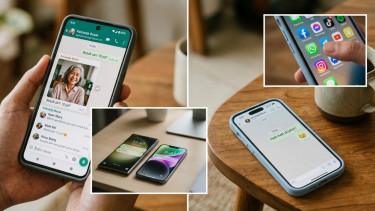
Daftar HP Android yang Enggak Diterima WhatsApp, iPhone Sebentar Lagi
WhatsApp hanya akan mendukung perangkat yang menjalankan sistem operasi Android 6.0 atau versi yang lebih baru, serta iOS 15.1 atau lebih baru untuk iPhone.

VIVA.co.id
8 September 2026